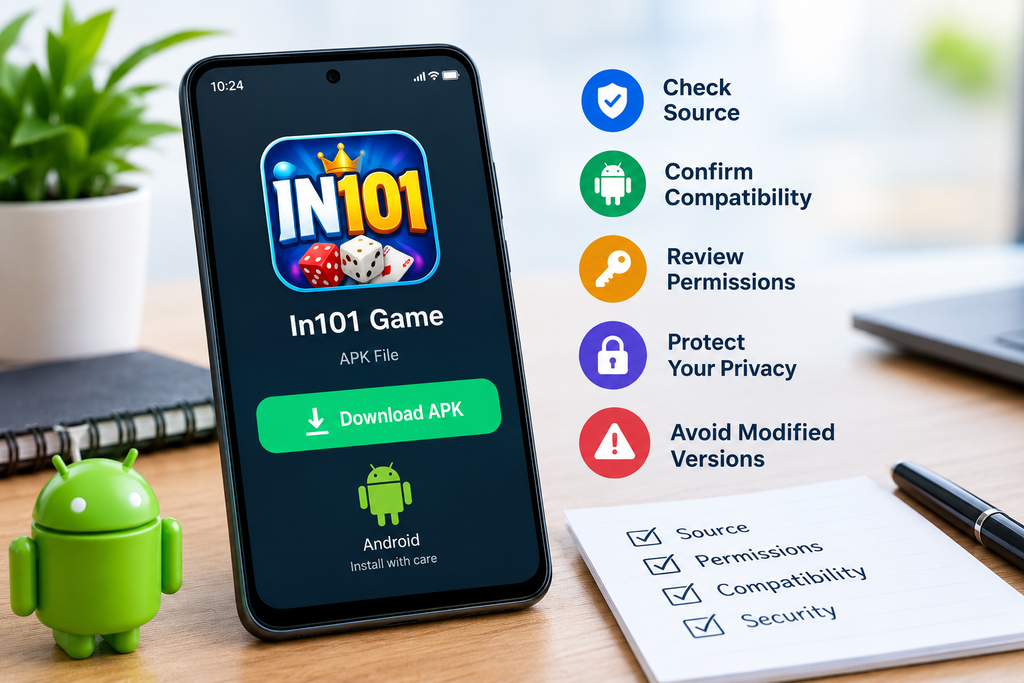
If you are looking for an In101 Game APK, it is important to check more than just whether the file downloads successfully. APK files can provide a convenient way to install an Android app, but downloading an app from outside the Google Play Store requires extra attention to its source, permissions, compatibility, and security.
Before installing the In101 APK, verify where the file comes from, whether it matches your device, what permissions it requests, and whether the version appears legitimate. These simple checks can reduce unnecessary risks and help you avoid installing a modified, outdated, or potentially harmful file.
What Is an In101 APK?
An APK, or Android Package Kit, is the standard file format used to install applications on Android devices. When an Android game is distributed as an APK, users can install it manually instead of downloading it directly through an app store.
The term In101 Game may refer to an Android gaming application distributed through APK-based websites or other third-party sources. Because APK files can be uploaded and redistributed by different websites, the file’s source is particularly important.
An APK file itself is not automatically unsafe. The main concern is whether the specific file has come from a trustworthy source and whether it has been changed after being published by the original developer.
In101 Game: What to Check Before Downloading
Before searching for an In101 APK download, take a few minutes to evaluate the source and the file. A careful approach is especially important when an app is not available through your normal app store.
Check the Download Source
The website hosting an APK should be one of the first things you evaluate. Avoid downloading files from pages that use excessive pop-ups, misleading download buttons, forced redirects, or suspicious advertisements.
Ideally, look for an official developer or publisher website, a recognized app distribution platform, or another source with a clear reputation. Be cautious if a website does not identify who developed the application or provides little information about the file.
A professional-looking page does not necessarily prove that an APK is safe, so consider several factors rather than relying on appearance alone.
Confirm the App Name and Version
Before installing the In101 Game APK, compare the application’s name and version with information provided by the developer or a trusted source.
Be particularly careful with files labeled as:
- Unlimited or modified versions
- Premium unlocked versions
- Hack or cheat editions
- Files promising unusual rewards
- Very old versions presented as the latest release
Modified APKs can contain changes that are unrelated to the original game. If you simply want the legitimate application, the safest approach is to use an official distribution whenever one is available.
Review the File Before Opening It
Do not immediately install an APK just because the filename looks correct. Check the file extension and make sure you downloaded an actual APK rather than an executable file or another unexpected format.
You can also scan the downloaded file with reputable security software before installing it. If your device displays a security warning, do not automatically ignore it.
A warning does not always mean a file is malicious, but it is a reason to stop and investigate rather than proceeding blindly.
Check Android Compatibility
Compatibility is another important consideration before installing an APK. An application may fail to install or behave incorrectly if it requires an Android version that your phone does not support.
Check your device’s Android version and compare it with the application’s stated requirements when that information is available.
You should also consider:
- Available storage space
- Device performance
- Required architecture, if specified
- Screen and hardware compatibility
- Internet requirements
- Whether the app requires Google Play Services
An APK can technically install and still provide a poor experience if the device does not meet the application’s requirements.
Review Permissions Carefully
One of the most important checks before installing an In101 APK is the list of permissions requested by the application.
Permissions allow an Android app to access certain device functions or information. Depending on the application, legitimate permissions might be necessary for features such as internet connectivity, notifications, storage access, or other functions.
However, permissions should make sense for the app’s purpose.
Watch for Unnecessary Access
If a simple game requests access that appears unrelated to its core functionality, take a closer look before accepting the installation.
For example, be cautious about unexpected requests for sensitive information or device capabilities that do not appear necessary for playing the game.
Android versions differ in how they display and manage permissions, so review the permission screen presented by your device instead of assuming every APK requires the same access.
Think About Privacy and Personal Information
Before using an unfamiliar game, check whether it asks you to provide personal information during registration or gameplay.
Avoid entering sensitive information unless there is a clear and legitimate reason. Never provide passwords, banking credentials, verification codes, or other highly sensitive information to an app simply because it asks for them.
If the game requires an account, review its privacy information when available. Understanding what information an application collects can help you make a more informed decision.
You should also avoid using the same password across multiple services. If an unfamiliar gaming app requires registration, using a unique password can reduce the potential impact of an account compromise.
Be Careful With “Unknown Sources”
Android may restrict installations from sources other than approved app stores. Depending on your Android version and device manufacturer, you may be asked to allow installation from an unknown or unverified source.
This setting deserves attention.
If you temporarily enable permission for a browser or file manager to install an APK, consider disabling that permission again after completing the installation. Keeping unnecessary installation permissions enabled can create additional opportunities for unwanted software to be installed later.
You should never enable security settings simply to bypass warnings without understanding why the warning appeared.
Avoid Suspicious In101 APK Modifications
Search results for APK files often include modified versions claiming to offer extra features. These can be tempting, but they also make it harder to determine what software you are actually installing.
A modified APK could potentially contain:
- Unwanted advertising components
- Additional tracking
- Altered application behavior
- Malware or other unwanted software
- Features that were not included by the original developer
If your goal is simply to play the In101 Game, an original and verifiable version is generally preferable to an unofficial modification.
Keep Your Android Device Updated
Your device’s operating system and security components should also be kept up to date.
Security updates can address vulnerabilities that attackers may otherwise exploit. Updating Android does not guarantee that every downloaded APK is safe, but it provides an important layer of general device protection.
It is also sensible to keep your browser and security tools updated, particularly if you regularly download applications from outside official app stores.
What to Do After Installing the In101 Game
Your checks should not end when installation is complete. Pay attention to how the application behaves during its first launch.
Look for unexpected signs such as excessive pop-ups, unexplained battery consumption, unusual network activity, repeated crashes, or requests for permissions that were not previously expected.
If something seems wrong, you can uninstall the application and review your device’s security settings.
Monitor App Permissions
After installation, Android generally allows you to review and change permissions through the device’s app settings. If you previously granted access and later decide that it is unnecessary, you may be able to revoke it.
This is a useful habit for all applications, not just games.
Is It Safe to Download an In101 APK?
There is no universal guarantee that every In101 APK file found online is safe. Safety depends heavily on the specific file, its source, whether it has been modified, and the environment in which it is installed.
For that reason, avoid judging an APK solely by its name or by claims made on a download page. A file described as “official,” “secure,” or “latest” should still be evaluated carefully.
Whenever an official app-store version is available and suitable for your device, it can provide a more controlled installation process.
Frequently Asked Questions
Is an In101 APK the same as an Android app?
An APK is the package file used to install an Android application. The APK contains the components needed for installation, but the safety and authenticity of a particular file depend on where it came from and whether it has been modified.
Should I install the In101 Game from an unknown website?
It is better to avoid untrusted sources. Before installing an APK, investigate the website, verify the application details, scan the file when possible, and check the requested permissions.
Can an APK contain malware?
Yes. APK files downloaded from untrusted sources can potentially contain malicious or unwanted software. This is why the source, file authenticity, permissions, and device security should all be checked before installation.
What should I do if Android shows a security warning?
Do not automatically bypass the warning. First determine why the warning appeared and verify the application’s source. If you cannot establish that the APK is legitimate, the safer option is not to install it.
Should I use a modified In101 APK?
If you want the legitimate In101 Game experience, an original version from a trustworthy source is preferable. Modified APKs can introduce changes that are difficult to verify and may increase security or privacy risks.
Conclusion
Downloading an In101 Game APK should involve more than finding a download button and installing the file. Check the source, confirm the app version, review Android compatibility, examine permissions, consider privacy, and scan the APK before opening it when possible.
It is also important to keep your Android device updated and monitor the application after installation. If an APK comes from an unclear source or makes unrealistic promises, taking the safer route and avoiding the installation is usually the better choice.
Before proceeding with an In101 APK download, verify the file and its source carefully. A few minutes of checking can help you make a more informed decision about what you install on your Android device.